
How missions handle the logistics beyond the main flight
For an aircraft operator, an isolated flight leg is rarely the whole story. Traditional scheduling softwares often track aircraft movements alone, leaving human and logistical variables to be managed externally. When hotel bookings, positioning flights, and mandatory crew briefings are tracked via separate emails and threads, administrative overhead increases. This disjointed approach creates blind spots between the back office and the crew, leaving operations managers vulnerable to communication errors when a schedule shifts.
The core concept of a unified mission folder
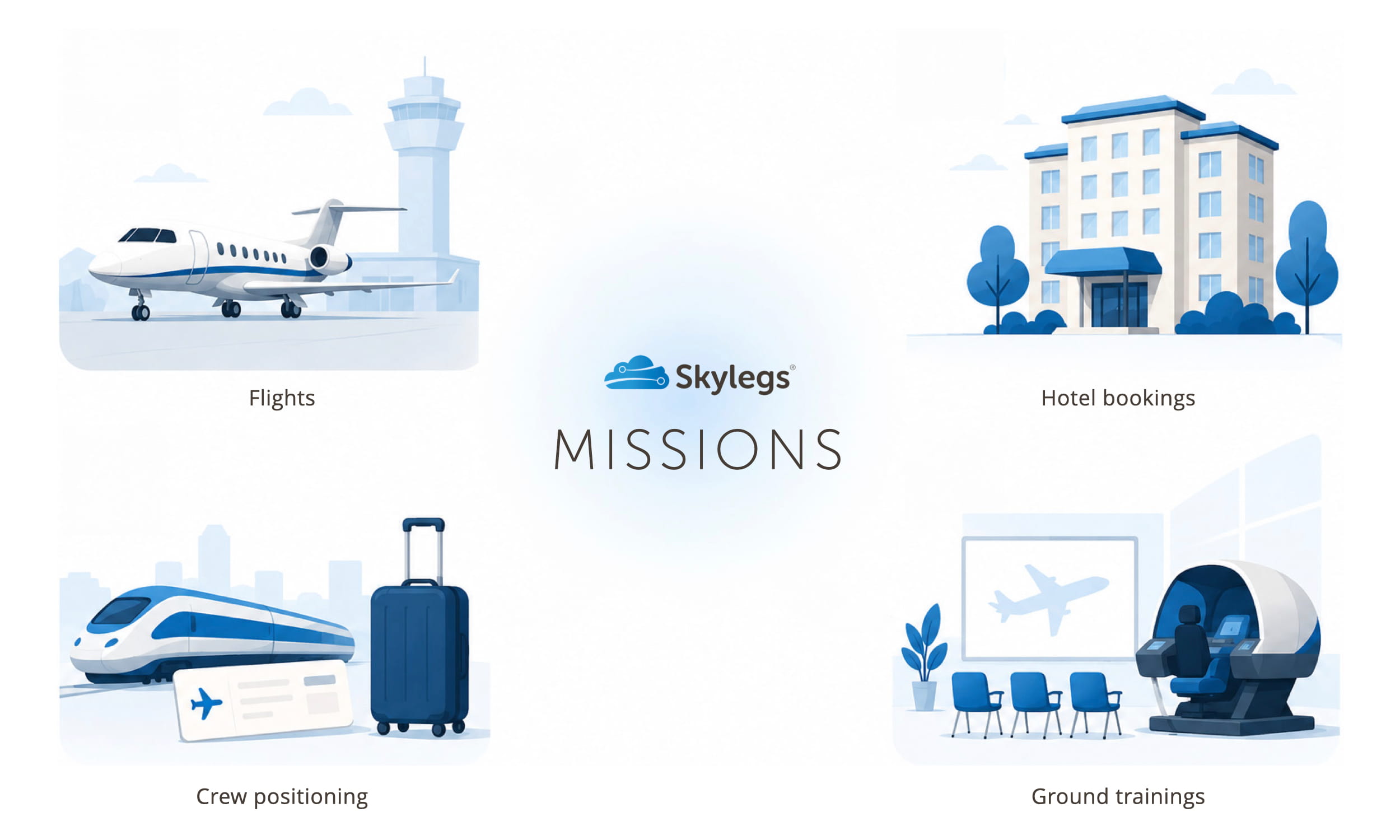
Skylegs addresses this fragmentation by using a centralised “mission” page. Instead of viewing a flight as an independent event, a mission groups every internal and external activity required to execute a trip. This allows operations teams to combine four distinct activity types within a single timeline:
- Flights: All operational legs, including client charters and empty ferry flights.
- Hotel bookings: Crew accommodation logs, check-in/out times, and crew allowances.
- Positioning: Commercial airline tickets, trains, or ground transport needed to get crew to their departure points.
- Ground courses: Mandatory training sessions, simulator blocks, or specific airport briefings required before a flight.
By consolidating these elements into one folder, all data is automatically linked to the broader company schedule, eliminating data duplication and ensuring the back office works from a unified interface.
A European short-hop example
The practical necessity of this approach is clear in a standard European corporate charter route, such as a flight from Geneva to Nice, where aircraft and crew are not always co-located at the departure point. While the client only sees a 45-minute commercial flight, the back office must manage a multi-layered logistical chain:
- Flight 1 (ferry): The aircraft flies empty from its base in Zurich to Geneva to pick up the passengers.
- Flight 2 (commercial): The actual passenger leg from Geneva to Nice.
- Flight 3 (ferry): The aircraft returns empty from Nice to Zurich.
- Positioning: The assigned cabin crew member, based in Milan, positions via ground transport to Geneva to meet the aircraft, and returns to Milan from Nice after the drop-off.
- Hotel booking: The cockpit crew must remain overnight in Nice due to local slot restrictions, requiring tracking for check-in windows and daily allowances.
- Ground course activity: The pilots require a mandatory airport qualification briefing for Nice, which must be completed before the initial ferry flight.
In a Skylegs mission workflow, these six distinct elements live within the same page rather than separate logs, ensuring the back office maintains visibility over the entire operational chain.
Schedule changes and crew syncing
When the schedule changes, such as during a three-hour client delay, a fragmented system requires the operations team to manually update spreadsheets, call hotels, and notify the crew through separate messaging channels. In contrast, adjusting a unified mission folder automatically updates the entire logistical chain in real time.
This data syncs across the Skylegs platform to maintain consistency. Within the Operations Module, managers can determine whether positioning or training activities count toward duty times and Flight Time Limitation (FTL) calculations. On the central Schedule Module, these mixed activities appear on a colour-coded timeline for instant visibility. Finally, the entire integrated schedule syncs directly to the Skylegs Crew App.
To see how a mission-centric workflow can reduce your administrative workload, contact Skylegs for a demo.

